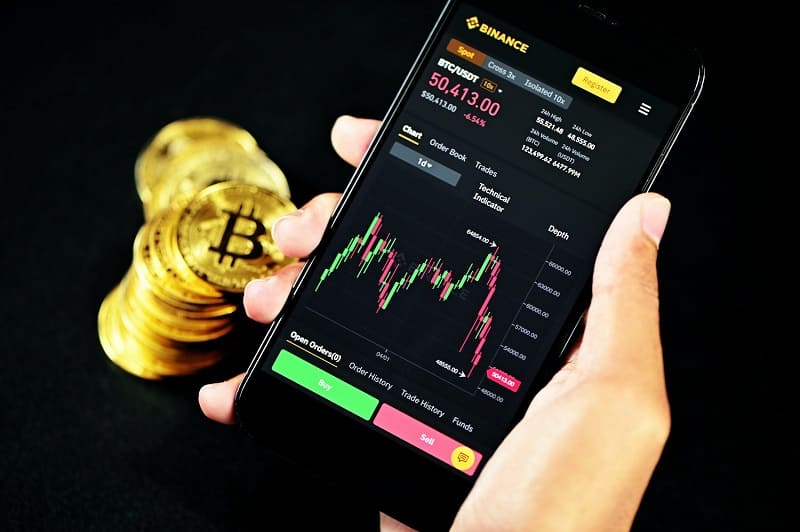
Why Exchange Mobile Apps Have Become the Main Attack Vector
- The Shift From Desktop to Mobile
- Why Smartphones Create New Security Risks
- Fake APK Files and Rogue App Stores
- Malicious QR Codes
- Notification Phishing
- SIM Swapping: When Attackers Steal Your Phone Number Instead of Your Password
- How to Secure Exchange Apps on Your Smartphone
- Conclusion
- FAQ
- Sources
Cryptocurrency trading has moved from desktop computers to smartphones. Today, investors open positions, approve transactions, pass KYC, and manage security entirely through mobile interfaces.
This shift has reoriented cybercriminals. Instead of attacking exchange infrastructure, they now target the personal mobile hardware controlling the accounts. Fake software, malicious dependencies, and mobile phishing are highly effective because breaching a single smartphone grants access to login credentials, validation codes, and asset balances.
Recently, Microsoft discovered an Android SDK vulnerability affecting apps with over 30 million digital wallet installations, highlighting how mobile supply chains have become a critical vulnerability front.
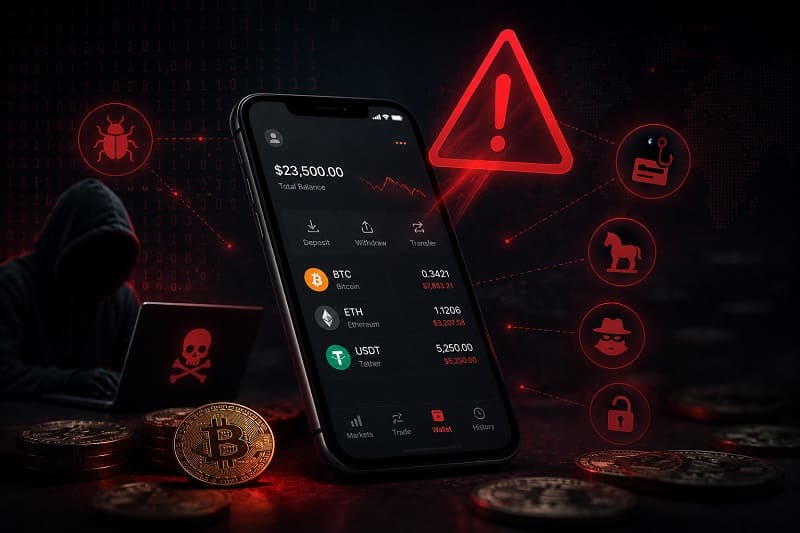
The Shift From Desktop to Mobile
Smartphones are now the primary gateway to cryptocurrency platforms, concentrating sensitive operations on a single device:
- Trade execution and portfolio tracking
- Deposits and withdrawals
- API key and security management
- Receiving 2FA codes
On a desktop, an infection leaves the user's phone isolated for secondary authorization. When the smartphone itself is compromised, that layer of separation vanishes. The same device often handles the trade terminal, email accounts, authenticator utilities, SMS routing, and recovery data. For an attacker, one breach unlocks multiple defensive layers simultaneously.
Furthermore, hackers increasingly target the mobile ecosystem surrounding exchanges. Microsoft's investigation into the EngageSDK flaw proved that a vulnerability in a single shared mobile library could compromise dozens of crypto applications without any technical flaw existing on the trading platforms themselves.
Why Smartphones Create New Security Risks
Mobile operating systems employ strong defenses like app sandboxing and biometric controls. However, the complexity of modern mobile apps introduces distinct operational risks.
Trading apps depend on third-party software development kits (SDKs) for analytics, notifications, and customer support. This creates supply-chain exposure. Microsoft's 2026 research revealed that an intent redirection vulnerability in a popular SDK exposed sensitive data across millions of active installations until patched. While no prior exploitation was found, it proved how a single dependency threatens the entire mobile ecosystem.
User behavior also increases risk. Smartphones favor speed: notifications appear instantly, QR graphics scan in seconds, and apps install with one tap. This convenience reduces the time spent verifying actions.
| Mobile Trend | Security Impact |
|---|---|
| Trading primarily through smartphones | More sensitive financial activity concentrated on a single device. |
| Third-party SDK integration | Supply-chain vulnerabilities may affect many applications simultaneously. |
| Push notifications | Encourage rapid responses that attackers can exploit through phishing. |
| App-store downloads | Generally safer than unofficial sources, but fake financial apps can still appear. |
| QR-code authentication | Convenient but capable of redirecting users to malicious websites if not verified. |
| Single-device account management | Email, authentication and trading often reside on the same smartphone, increasing the impact of device compromise. |
For example, Kaspersky detected 26 fraudulent apps in Apple's App Store that mimicked well-known wallet brands. These clones hijacked recovery seeds by routing users to phishing infrastructure. Store approval reduces risk but does not replace independent validation; users must manually cross-check developers before installing software.
As financial activity centralizes on portable hardware, protecting the phone becomes just as vital as choosing a reputable platform.
Also Read: What Makes a Crypto Exchange “Trustworthy”? A Beginner’s Checklist

Fake APK Files and Rogue App Stores
On Android, attackers distribute malicious code outside official stores via raw installation packages (APKs). Promoted through Telegram channels, fake ads, or cloning sites, these packages lure users with promises of:
- Early access to proprietary trading tools
- Reduced transaction fees or premium features
- "Verified" alternative clients
- Urgent security updates
The counterfeit interface copies the original logos, layout, and developer details perfectly. The difference is the malicious code running behind the screen. Kaspersky notes that malicious APKs remain the primary delivery vector for banking trojans and crypto malware because individuals voluntarily disable operating system protections to install them.
Official storefronts are safer, but not immune. In April 2026, researchers flagged fraudulent listings masquerading as MetaMask, Ledger, Coinbase, and Trust Wallet, designed to drain funds. Users must always verify download links directly against the official corporate portals of their chosen platform.
Malicious QR Codes
QR codes hide their digital destination until scanned. Attackers exploit this blind spot to route users to:
- Fake login portals
- Counterfeit asset interfaces
- Silent malware downloads
- Phishing screens requesting authorization data
In crowded venues like blockchain conferences, criminals have placed fraudulent stickers over legitimate merchant QR codes. Another tactic involves embedding QR graphics inside emails or PDFs. Instead of clicking a suspicious link on a secure desktop, the user scans the graphic with their phone, moving the attack to a mobile browser where address bars and SSL certificates are less scrutinized. Always inspect the destination URL before confirming a connection.
Notification Phishing
Push notifications display directly on the lock screen, bypassing email spam filters and generating artificial urgency. Attackers spoof automated security alerts regarding:
- Suspicious profile activity
- Failed or unauthorized withdrawals
- Expired compliance data
- Critical system updates
Tapping the alert loads a cloned web portal or an exploit script. Users trust notifications that mimic familiar apps, making this highly effective. Binance Academy's mobile safety guidelines list push phishing, counterfeit apps, and corrupted wallet software among the most frequent active threats. Additionally, AI tools now enable attackers to generate flawless branding and personalized text, eliminating the grammar errors that used to signal fraud.
| Attack Method | Primary Objective | Recommended Defence |
|---|---|---|
| Fake APK installation | Install malware or steal exchange credentials. | Download apps only through official exchange links or trusted app stores. |
| Fraudulent app-store listings | Impersonate legitimate exchanges or wallets. | Verify the developer name and compare it with the official website. |
| Malicious QR code | Redirect users to phishing pages or malware downloads. | Inspect the destination URL before opening it. |
| Push notification phishing | Create urgency and collect login credentials. | Open the exchange manually instead of following unexpected alerts. |
| Fake update prompt | Convince users to install malicious software. | Update applications only through official app stores. |
| SMS or messaging links | Lead victims to cloned exchange websites. | Type the exchange URL manually instead of opening embedded links. |
These vectors rarely target the trade engine itself. Instead, criminals compromise the user’s mobile environment to steal account control.
Also Read: A Practical Guide to Detecting Clone Crypto Exchange Websites
SIM Swapping: When Attackers Steal Your Phone Number Instead of Your Password
SIM swapping targets the recovery process rather than the trade infrastructure. Criminals hijack the subscriber's phone identity through specific steps:
- Compiling personal data from leaks and social media.
- Impersonating the victim to convince the mobile carrier to transfer the number to a new SIM card.
- Rerouting all incoming SMS traffic and 2FA codes to the criminal's device.
- Executing password resets to drain the linked accounts.
If a phone number is hijacked, SMS 2FA acts as a vulnerability. The trading system functions correctly, but delivers validation codes straight to the intruder.
OWASP defines SIM swapping as an identity exploit focused on carrier verification weaknesses. Experts recommend replacing SMS with standalone authenticator apps or hardware keys. Binance Academy similarly advises activating carrier-level security PINs to prevent unauthorized SIM duplication.
Network hijacking leaves immediate warning signs:
- Total loss of cellular signal while nearby devices work normally
- Inability to send or receive messages
- Sudden password reset alerts via email
If cellular signal drops unexpectedly, contact the carrier immediately to stop the exploit before attackers breach the profile.
How to Secure Exchange Apps on Your Smartphone
True defense requires a multi-layered approach. Security professionals recommend this core protocol:
- Confirm you are managing a verified personal account or equivalent secure portal, sourcing the app exclusively from the platform's official site.
- Keep the mobile OS and all financial software updated.
- Never sideload software or install unverified APK packages.
- Move 2FA from phone numbers to standalone authenticator utilities or physical tokens.
- Enforce biometrics for device access and app entry.
- Add a security passcode directly to your cellular account.
- Audit app permissions regularly and avoid public Wi-Fi.
Isolating trading from daily usage helps. Minimizing utility apps, QR scanners, and browser extensions reduces the background attack surface. Additionally, activate native app security controls: withdrawal address whitelists, customized anti-phishing phrases, trusted-device lists, and processing delays.
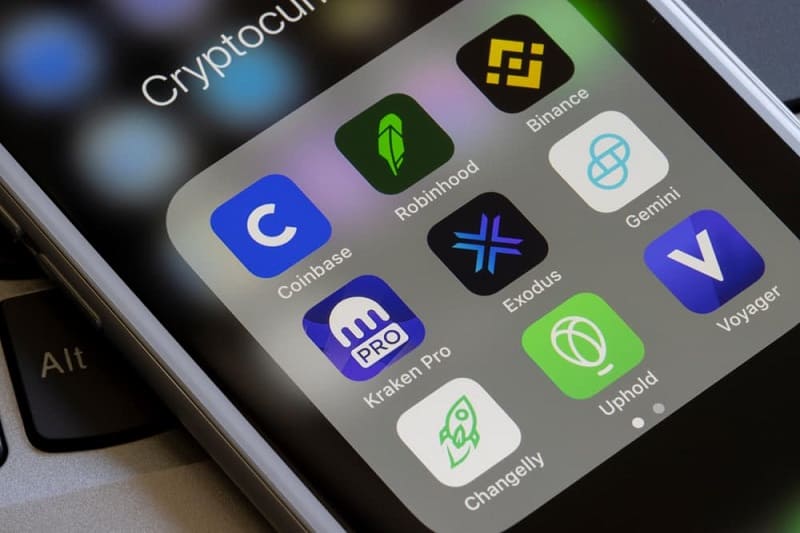
Conclusion
The easiest path to digital assets is often the smartphone in the user's pocket rather than the exchange's servers. Fake apps, poisoned QR codes, deceptive notifications, and SIM swaps exploit mobile dependency.
However, these threats are preventable. Relying on verified download channels, checking URLs, adopting hardware 2FA, and keeping systems updated neutralizes the most common mobile exploits. Securing your crypto assets now requires prioritizing the security of your phone.
FAQ
Are official app stores completely safe for cryptocurrency apps?
No. Marketplaces are safer than unverified sites, but malicious listings occasionally bypass automated filters. Verify developers against the official corporate website before downloading.
Should I install APK files that claim to offer early exchange features?
No. Sideloading installations outside official ecosystems is a primary vector for financial malware and screen-scraping tools.
Is SMS two-factor authentication still recommended?
SMS is highly vulnerable to SIM swapping. Localized authenticator apps or hardware tokens offer superior security.
What should I do if my phone suddenly loses cellular service?
If signal drops unexpectedly while nearby devices stay connected, immediately call your provider to verify that your SIM card has not been cloned.
Can QR codes really steal cryptocurrency?
An image cannot steal funds, but scanning it can route you to sophisticated phishing forms or silent malware downloads that harvest credentials.
What is the single most important mobile security habit for crypto users?
Isolate your authentication logic from your telephone number. Using a hardware token or an authenticator app, combined with strict download discipline, blocks the majority of consumer-targeted mobile attacks.
Sources
Get professional help with your case.