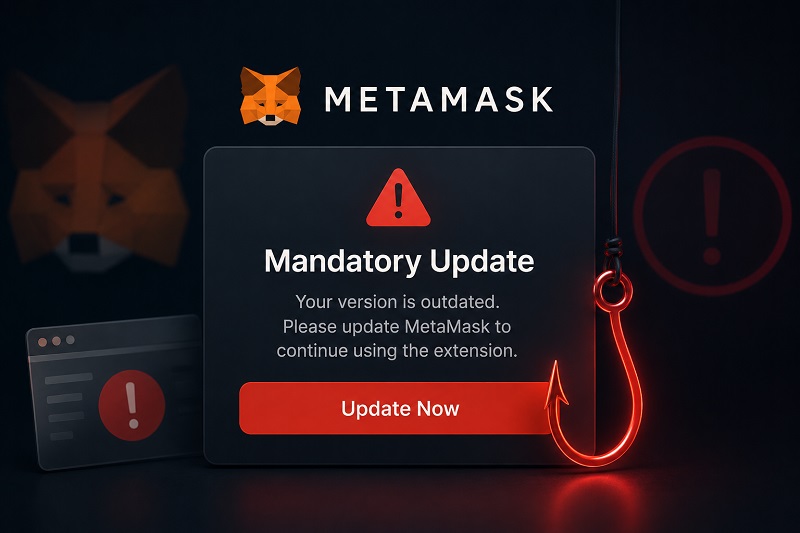
Fake MetaMask Updates in 2026: How a “Mandatory Upgrade” Scam Drains Wallets
- Why This Campaign Stood Out
- The Attack Sequence
- Why Traditional Warning Signs Failed
- Attackers No Longer Need Your Seed Phrase
- What Is Actually Being Approved?
- Understanding Unlimited Approvals
- Hardware Wallets Help But Don't Guarantee Safety
- How to Verify Wallet Updates Safely
- If You Already Approved a Suspicious Request
- Why This Technique Will Spread
- Conclusion
- FAQ
- Sources
- Need Help?
Software updates have trained people to react quickly. Cybercriminals exploit this habit.
In late May 2026, blockchain investigators identified a phishing campaign impersonating MetaMask. Users were warned that a mandatory upgrade was required to maintain access to their funds. Instead of exploiting a software vulnerability, attackers used social engineering.
Victims approved a routine-looking verification request, after which their assets were transferred within seconds. According to ZachXBT's analysis, the campaign affected hundreds of addresses across Ethereum, Polygon, Arbitrum and Base, with losses exceeding $9 million.
Unlike earlier phishing, this campaign didn't rely on poor spelling or suspicious layouts. Websites closely resembled the genuine MetaMask interface, emails used polished language, and domains were registered well before the attack.
Why This Campaign Stood Out
Rather than compromising blockchain infrastructure, attackers targeted routine user behaviour. The message: install an update before a deadline or risk losing access.
This wording mirrors genuine notifications people receive daily. Because the request appeared familiar, many treated it as normal maintenance.
Key characteristics:
- professional email templates
- domains resembling official addresses
- realistic deadlines
- multi-network support
- automated draining after approval
Victims weren't promised profits. They believed they were protecting what they owned — a psychological trigger more persuasive than greed.
The Attack Sequence
First came an email claiming the software required validation. Recipients were encouraged to follow a link before a deadline.
The button redirected to a cloned page on a look-alike domain. Examples:
- metamasks-update.com
- metamask-validator.io
- secure-metamask.app
Each page reproduced the legitimate interface accurately.
After connecting a wallet, visitors saw what appeared to be standard verification. In reality, this prepared the attack.
| Attack Stage | What the User Sees | What Happens |
|---|---|---|
| Urgent upgrade request | Redirect to attacker infrastructure | |
| Fake website | Page resembling MetaMask | Look-alike domains imitate brand |
| Connection | Prompt to connect wallet | Malicious site prepares approval |
| Confirmation | Routine verification | Signature authorises malicious contract |
| Transfer | No warning | Tokens moved to attacker addresses |
Why Traditional Warning Signs Failed
Earlier phishing relied on obvious mistakes: poor grammar or unfamiliar sender names.
The 2026 operation reflected a shift. Websites used valid HTTPS, professional branding and carefully written copy. Some templates borrowed from legitimate campaigns. Instead of promising rewards or threatening deletion, they instructed recipients to complete routine maintenance.
This is why modern phishing is harder to recognise — it depends on trust and familiarity.
Attackers No Longer Need Your Seed Phrase
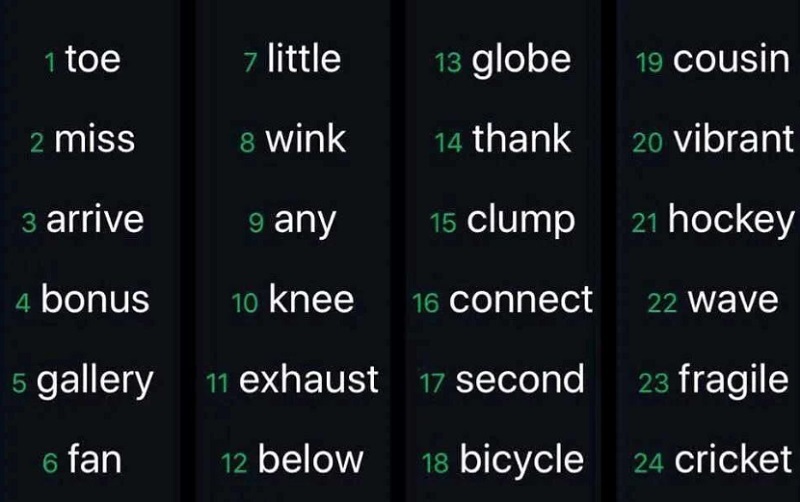
For years, users were taught one rule: never reveal your Secret Recovery Phrase.
That advice remains correct, but it no longer describes the most common attack scenario.
Many thefts succeed even when victims never type those twelve words. Instead, criminals persuade users to approve a harmless-looking verification request. In reality, the approval grants a malicious contract permission to move assets without further confirmation.
This shift from credential theft to permission abuse defines modern phishing.
Also Read: Crypto Wallet Approval Scams: How Hackers Drain Funds Without Passwords
What Is Actually Being Approved?
Most blockchain applications need permission before interacting with tokens.
A decentralised exchange cannot swap assets without authorisation to spend them. Lending protocols require similar permissions. NFT marketplaces request approval before listings.
These mechanisms are legitimate.
Danger appears when a malicious website disguises a permission request as routine security. Instead of confirming an update, users may unknowingly authorise a contract to control assets.
Researchers reported that many victims approved permissions enabling automated drainer contracts.
Understanding Unlimited Approvals
Some requests apply to single transactions. Others remain active until manually revoked.
Common permission types:
Unlimited ERC-20 approvals – authorise a contract to spend tokens without repeated confirmation. Permit signatures – off-chain signatures becoming on-chain approvals. Convenient, but abusable if granted untrusted. NFT operator approvals – SetApprovalForAll allows another address to manage all NFTs from a collection.
The approval itself isn't malicious. Risk depends on who receives it.
| Permission Type | Legitimate Use | Potential Abuse |
|---|---|---|
| ERC-20 Approval | Allow DeFi app to spend tokens | Unauthorised transfers |
| Permit Signature | Approve access without transaction | Hidden authority activated later |
| SetApprovalForAll | Enable NFT marketplace | Transfer all NFTs without consent |
Hardware Wallets Help But Don't Guarantee Safety
Most affected addresses belonged to software wallets in browsers or mobile apps. These encourage quick interaction.
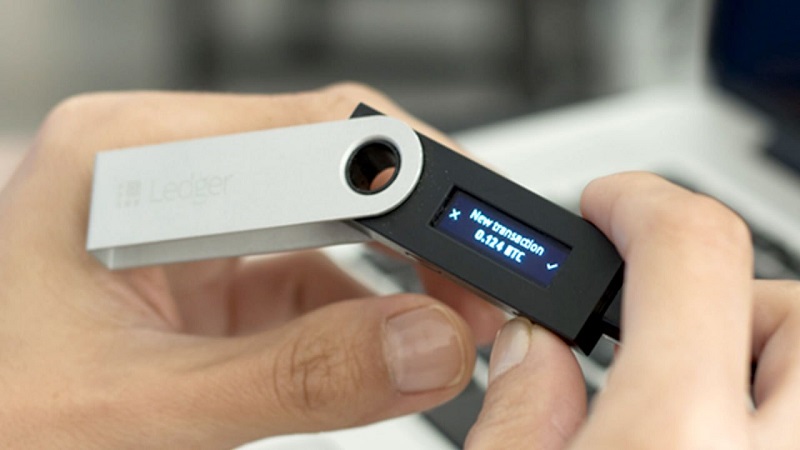
Hardware devices add a verification step. Users must physically confirm actions on a separate display. This creates opportunity to notice unfamiliar addresses or permissions.
However, cold storage isn't absolute protection. If someone ignores device warnings, malicious approvals execute.
Many security professionals recommend separating long-term holdings from daily DeFi assets. This limits exposure.
How to Verify Wallet Updates Safely
Treat every unexpected urgent upgrade message as suspicious until verified.
MetaMask does not send unsolicited emails demanding upgrades. Support emails are sent only in response to user-initiated tickets.
Instead of clicking links, open your browser manually and type the official website. If an update exists, it will appear in the extension or official store.
Before approving blockchain requests, pause and ask:
- Why is this permission requested?
- Which application is asking?
- Does the destination match the official site?
- Am I approving asset access or just logging in?
These questions take seconds but prevent losses.
| Legitimate Update | Fraudulent Upgrade |
|---|---|
| Appears through official app store | Arrives via unexpected email or push |
| Uses official domains | Redirects to look-alike websites |
| No Secret Recovery Phrase required | Requests recovery words or approvals |
| Verifiable through documentation | Creates artificial urgency |
If You Already Approved a Suspicious Request
Once approved on-chain, time is critical:
- Check if any assets remain. If so, transfer them to a new address that never interacted with the suspicious application.
- Next, review active permissions. Revoke.cash allows users to inspect and remove approvals. While revoking cannot reverse completed transfers, it may prevent additional losses.
Also:
- disconnect the suspicious website
- stop using the compromised address
- document transaction hashes
- report the phishing domain
- preserve screenshots
Recovery is difficult because blockchain transactions are irreversible. However, records may assist investigators.
Also Read: Trust Wallet vs MetaMask in 2026: Which Is Actually Safer?
Why This Technique Will Spread
The campaign's success wasn't based on software flaws. It exploited predictable human behaviour. Users are accustomed to approving updates. That familiarity makes mandatory upgrade messages an attractive lure for any crypto application.
MetaMask reports a sharp increase in signature-based phishing, reflecting a shift away from recovery phrase theft. Similar techniques can adapt to other wallet providers, NFT platforms or DeFi protocols.
Conclusion
The late-May phishing campaign shows how crypto fraud evolves. Earlier scams depended on convincing victims to reveal recovery phrases. Today's attackers seek permission.
A single approval granted to the wrong contract can expose an entire portfolio. Effective defence requires understanding what each approval authorises, verifying updates through official channels, and refusing to act under pressure.
FAQ
Does MetaMask send mandatory upgrade emails?
No. Support emails are sent only in response to user-initiated tickets.
Can I lose funds without revealing my Secret Recovery Phrase?
Yes. Modern phishing relies on malicious approvals, not recovery-phrase theft.
What is an unlimited token approval?
A permission allowing a contract to spend tokens without repeated confirmation.
Why is SetApprovalForAll risky?
It authorises another address to manage all NFTs in a collection.
Can a hardware wallet prevent every attack?
No. It adds verification, but users can still approve malicious requests.
How can I check existing permissions?
Tools like Revoke.cash allow review and revocation.
What should I do after interacting with a suspicious site?
Disconnect, review approvals, move remaining assets if appropriate, and preserve records.
Sources
- MetaMask Support — I Received an Email Claiming to Be From MetaMask. Is It Legit?
- MetaMask Support — Basic Safety and Security Tips
- MetaMask Security Blog — Crypto Security Report: May 2026
- Phemex Research — Fake MetaMask Mandatory Update Drains EVM Wallets
- CryptoRank — Hundreds of EVM Wallets Drained: What to Check Before You Update
- Cybercrimepolice.ch — Phishing Impersonating MetaMask
- Revoke.cash — Token Approval Checker
- Ethereum Improvement Proposal — EIP-2612: Permit Extension for ERC-20 Signed Approvals
Need Help?
If you encountered a pop-up, email, or social media message urging you to install a "mandatory" MetaMask upgrade — and after following the instructions, your wallet was drained or you suspect your private keys were compromised — you can request a free consultation with StockView specialists.
An expert review can help assess whether the stolen funds can be traced on the blockchain, identify potential points of intervention with exchanges or payment providers, and evaluate realistic chances of recovering your assets through transaction reversal efforts or legal channels.
Get professional help with your case.